Vega
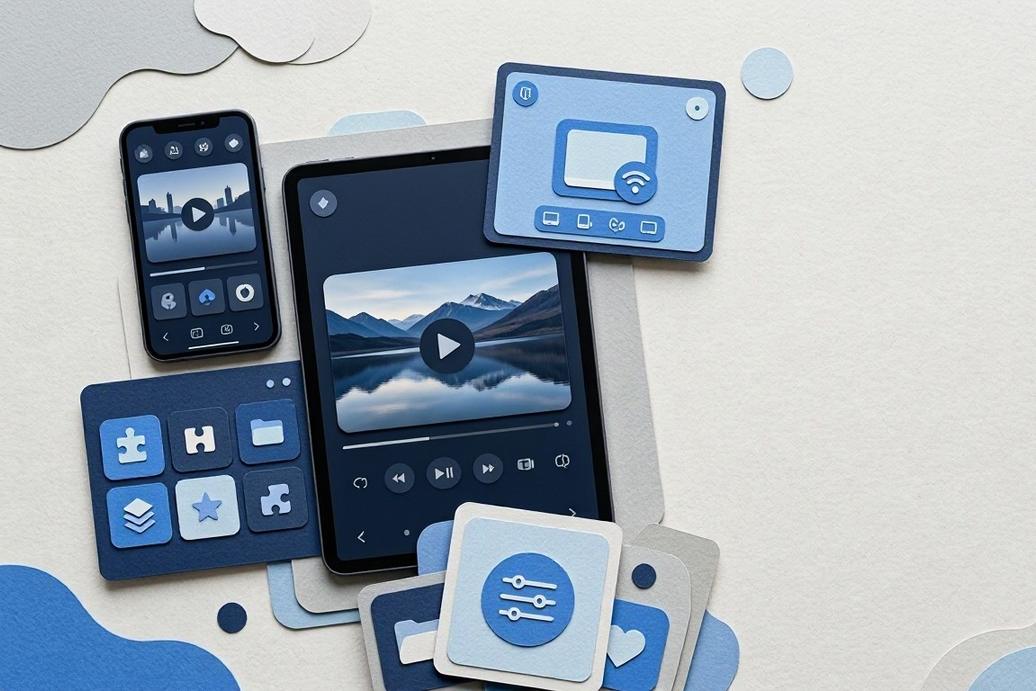
Play, cast, and organise media
Zenda-X
- ENTERTAINMENT
Media Control Made Simple
MEDIA SOURCES
Your media
Local and network playback
Local mediaNetwork mediaPlay Media Anywhere
Play local media and network media from one focused app experience.
NOW PLAYING
Cast media
Playback connected
Network
Choose a screen and continue playback.
Cast Content Easily
Cast media to compatible screens while keeping playback organised and accessible.
See Vega In Action
Media source library 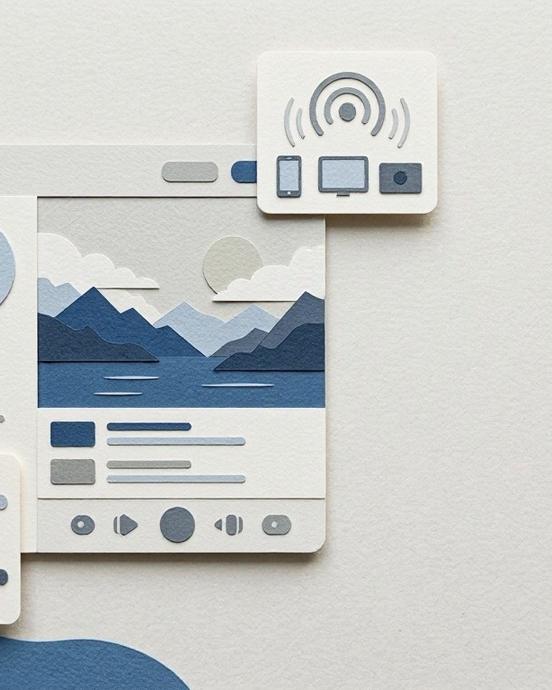
Casting controls


Organised Media Access
Install Vega app to play local or network media, cast content, and organise media content with custom plugins.
Choose The Right Setup
What can Vega play?
Vega can play local media and network media, giving media organisers one place for playback across available sources.
Can Vega cast media?
Yes. Vega supports casting media, helping playback move from a source library to a compatible screen.
How does Vega organise content?
Custom plugins support content organisation, so media organisers can shape Vega around their preferred workflow.
Where can Vega be found?
Vega is presented as a Google Play app. Use the installation action to access its listing path.
What does Vega cost?
Vega costs 0 EUR. Its category is ENTERTAINMENT, and its content rating is PEGI 3.
Get Vega Ready For Media
Google Play provides the path to Vega, so media playback and casting can begin from one focused app.
Open Google Play
Open Google Play and find the Vega app listing.
Choose Vega
Choose Vega to review its app details before installation.
Install The App
Install Vega and prepare local or network media playback.
Start Playback
Start playback, cast media, and explore available content organisation.
Add Custom Plugins
Add custom plugins to organise content around your workflow.